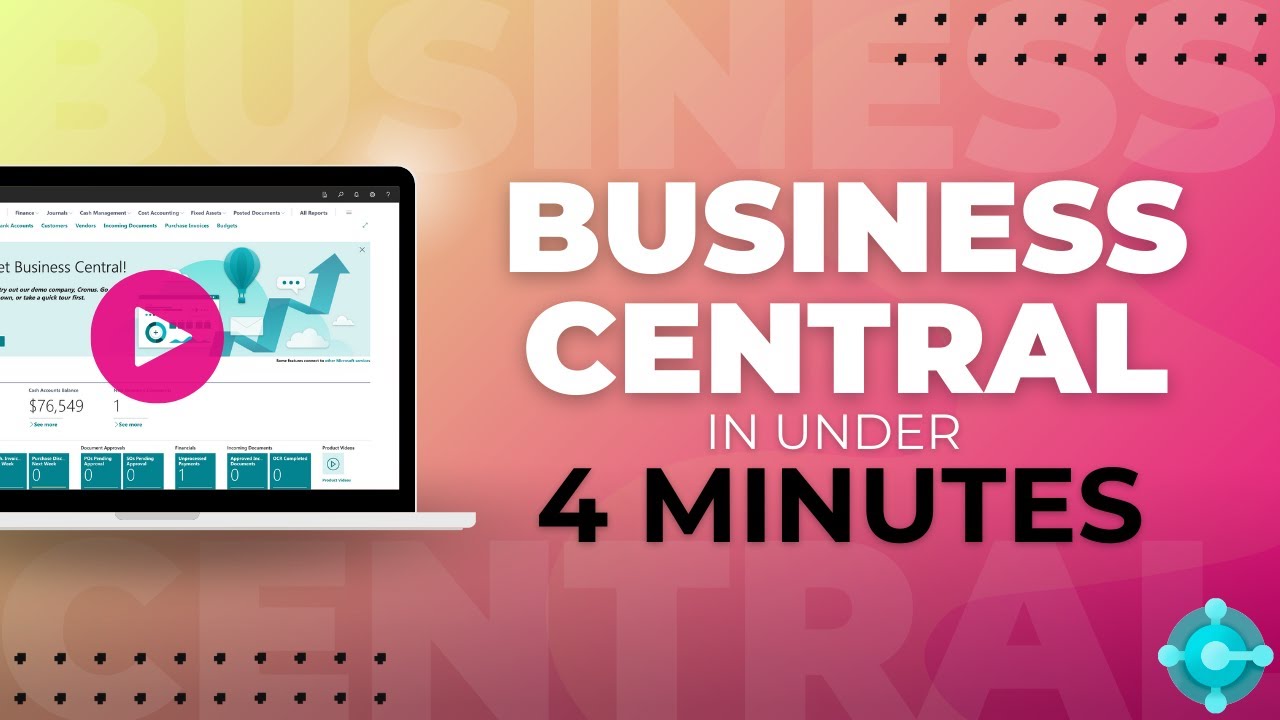
Business Central vs QuickBooks:
Which is Right for Your UK Business?
Basic accounting limits?
Reporting constraints?
Scaling issues?
Sound familiar?
Discover the answers in our comprehensive comparison guide, which breaks down Business Central against QuickBooks, helping you identify the ideal solution for your business.
Looking for a better Quickbooks alternative that can grow with your business?
QuickBooks is a great starting point — but many businesses begin to outgrow it as they scale.
You might be noticing:
❌ Limited reporting and visibility
❌ Disconnected tools and workarounds
❌ Manual processes slowing you down
❌ Difficulty managing growth or complexity
If that sounds familiar, you're not alone.
This page compares QuickBooks with Business Central — so you can see which is the better fit as your business grows.


What Growing Businesses Need Instead
As your business grows, your systems should grow with you — not hold you back.
Here’s what modern accounting software should deliver:
✅ One connected system
No more switching between apps — manage finance, sales, inventory, and reporting in one place.
✅ Real-time visibility
See your numbers instantly with live dashboards and up-to-date reporting.
✅ Automation built in
Reduce manual work with automated invoicing, approvals, and workflows.
✅ Scalability without limits
Handle more transactions, users, and complexity without performance issues.
✅ Seamless integrations
Work effortlessly with tools like Excel, Outlook, Teams, and Power BI.
Business Central

Reliable, partner-led support and ongoing updates
Real-time reporting with Power BI insights
Built-in automation to reduce manual work
Seamless Microsoft 365 integration (Excel, Teams, Outlook)
Scales with your business — no performance issues
QuickBooks
Struggles as your business grows
Integrations often require workarounds
Limited automation — manual processes remain
Basic reporting with limited flexibility
Inconsistent support and slow response times


Why Business Central is a Better Fit for Growing Businesses
As your business grows, basic accounting software starts to hold you back.
Business Central gives you the tools to scale — without switching systems later.
🚀 Built to Scale
Handle more data, more users, and more complexity — without slowing down.
🔗 Everything in One Place
Finance, sales, inventory, and reporting all connected — no more disconnected tools.
📊 Real-Time Visibility
Live dashboards and reporting give you a clear, up-to-date view of your business.
⚙️ Automation That Saves Time
Reduce manual work across invoicing, approvals, and reporting.
☁️ Cloud-Based & Always Accessible
Work from anywhere, on any device — with security built in.
Business Central isn’t just an upgrade — it’s a platform built for growth.
Is it Time to Move on from QuickBooks?
If any of these sound familiar, it’s probably time to switch.